You need the Ronix Executor key to get full access and run scripts. In this post, we have explained the steps to obtain the Ronix mobile key.
Like any Roblox executor, Ronix Mobile also needs a key to run Roblox scripts. You can't use the Ronix on mobile or iOS until you get a valid key.
If you are new and want to get the Ronix key, then don’t look further because here we have explained everything.
Without any further ado, let’s get started:
How to get the Ronix Mobile Executor Key on Android?
The procedure to obtain the Ronix Mobile Executor key is simple. To make you understand better, we will explain the key process for Android and iOS separately:
- First, you need to download and install Ronix Mobile from its official website, ronix-executor.org.
- Once you have successfully installed it on your phone, launch the executor.
- When you launch it on your phone, you will be asked to enter your Ronix Key.
- Enter your Ronix Key if you have already obtained it.
- If you have not obtained your key yet, click on the Get Key button.
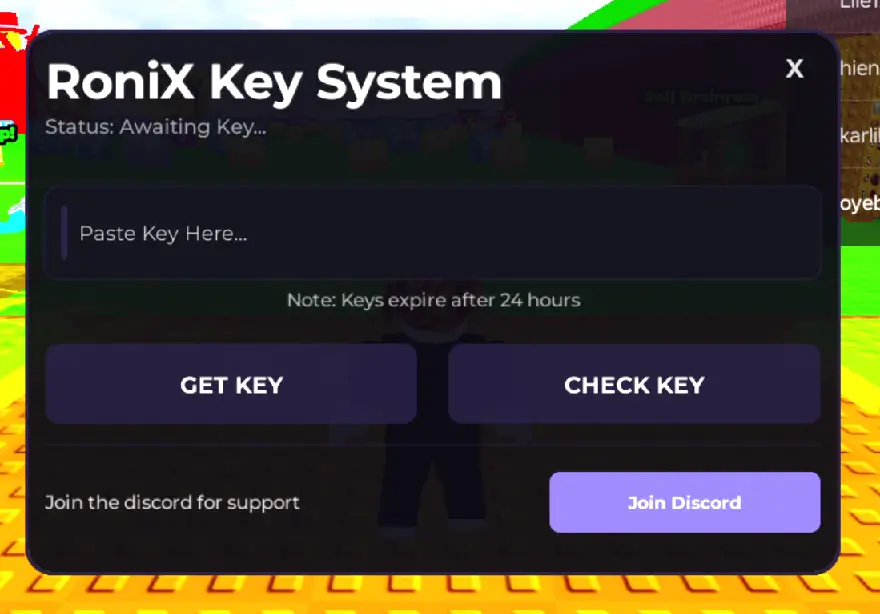
- You will see two options: choose the Ronix key Provider, e.g., Lootlabs or Linkvertise
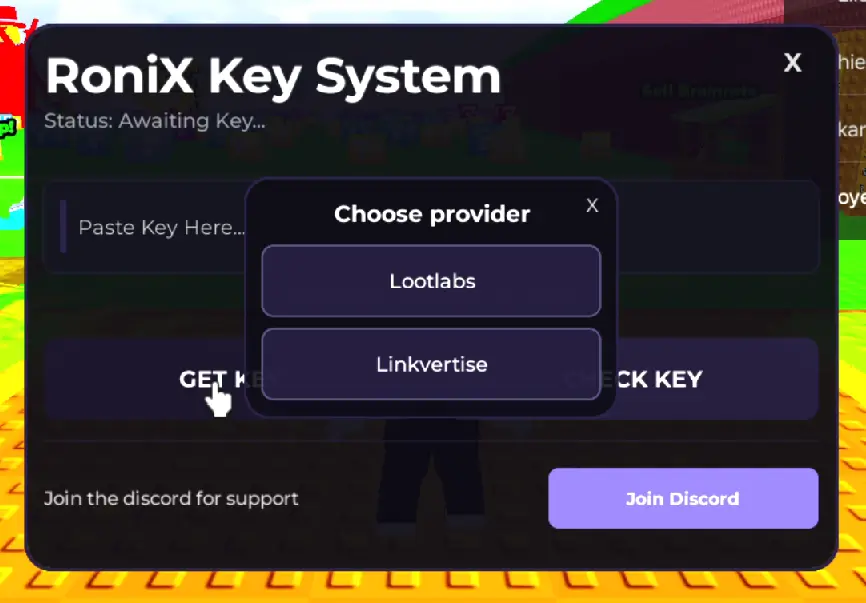
- When you click on it, a link will be copied into your Clipboard.
- Now, open any Internet Browser and paste the link.
- After pasting the link, search for it.
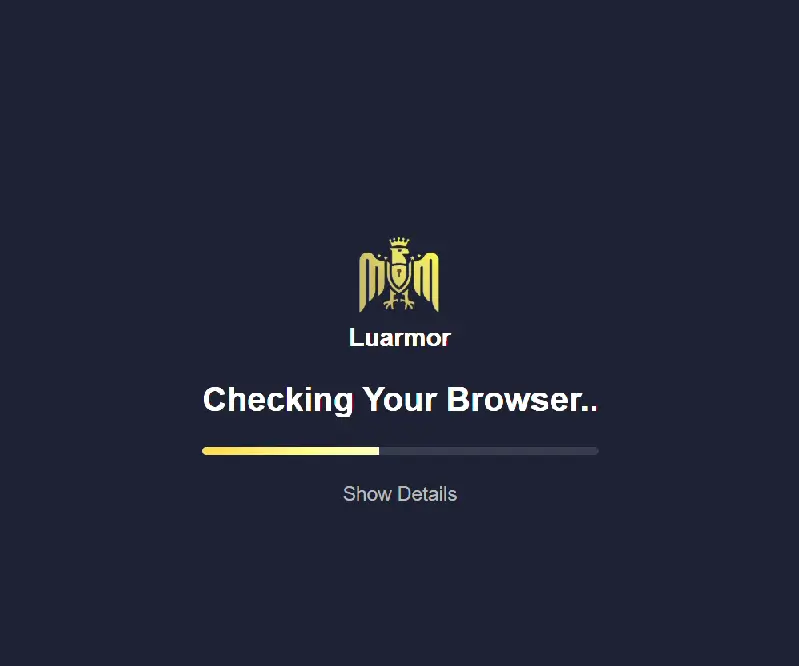
- When you do so, you will see a new window, ‘Ronix Android Keysystem’.
- When you do so, you will be asked to complete some tasks.
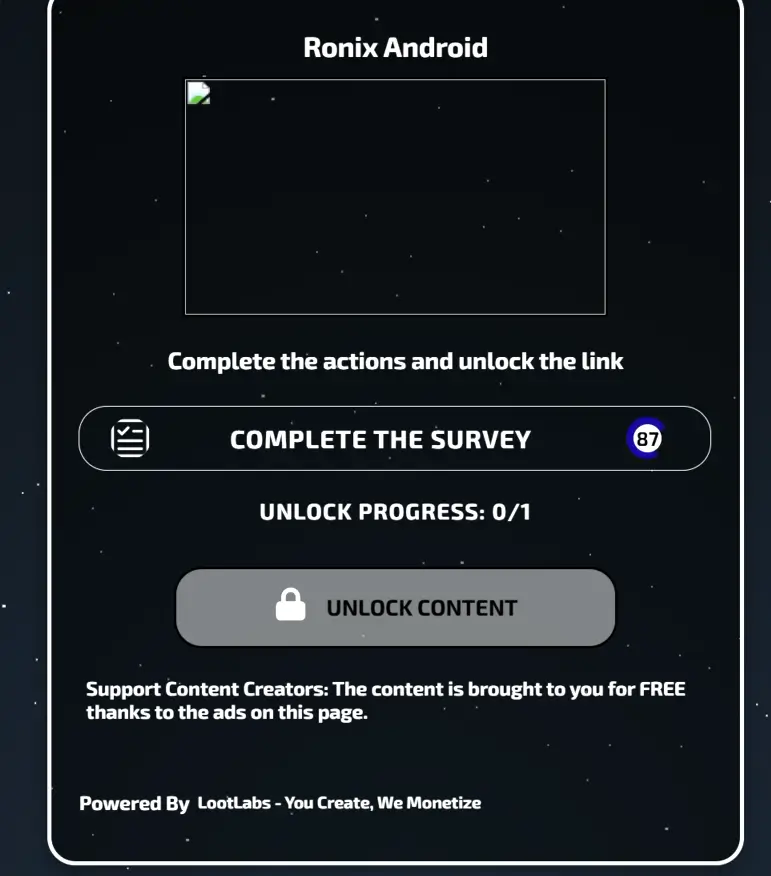
- Once you complete these tasks, wait for a while until the Unlock Content button turns Green.
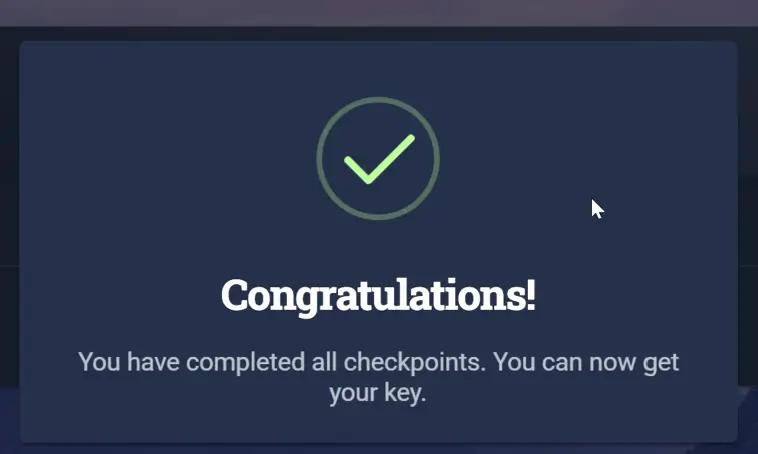
- Once done, tap on the Unlock Content button, and you will see a congratulatory message.
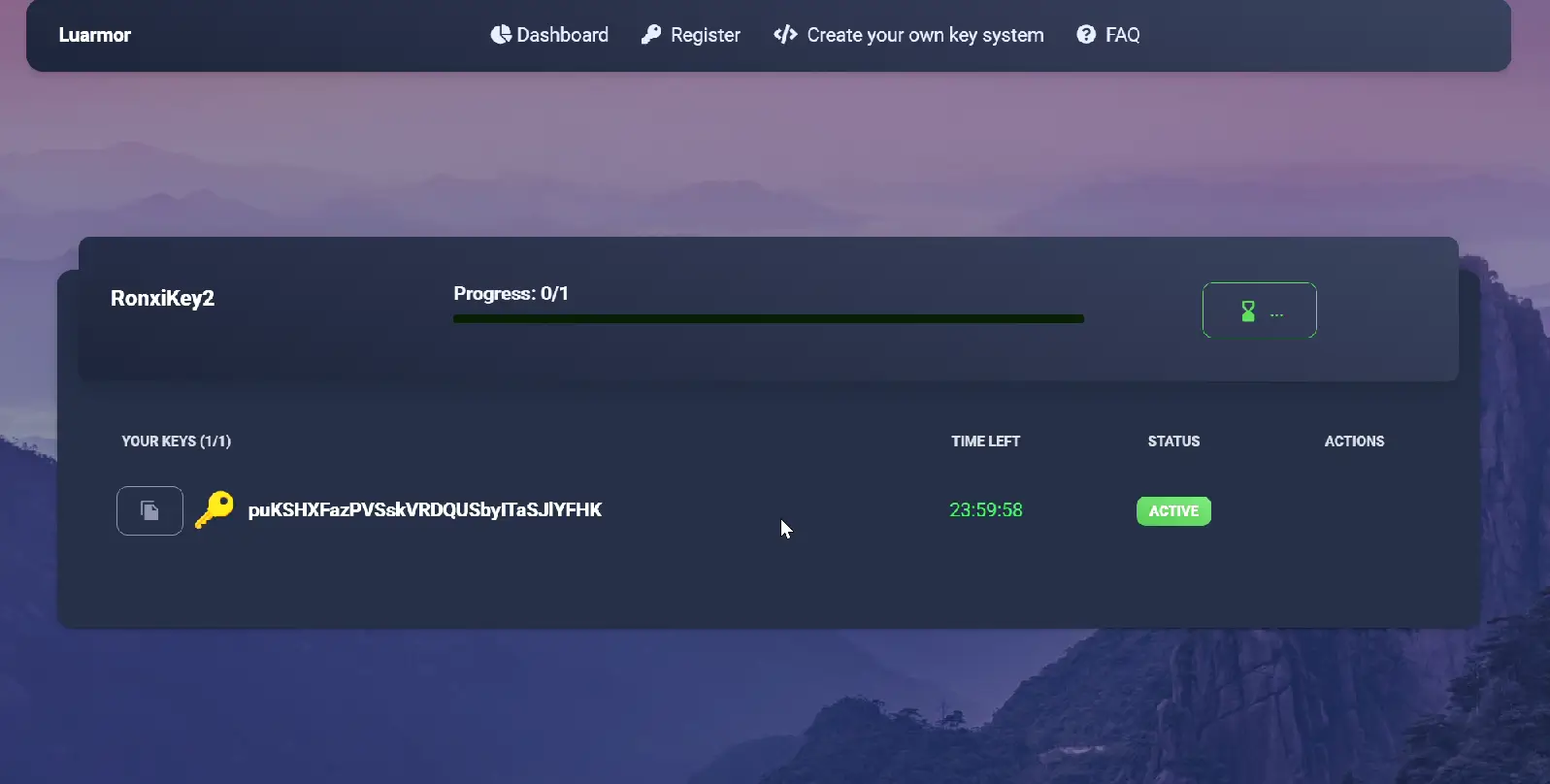
- After that, you will get your Ronix key.
- Now, click on the Copy icon to copy it.
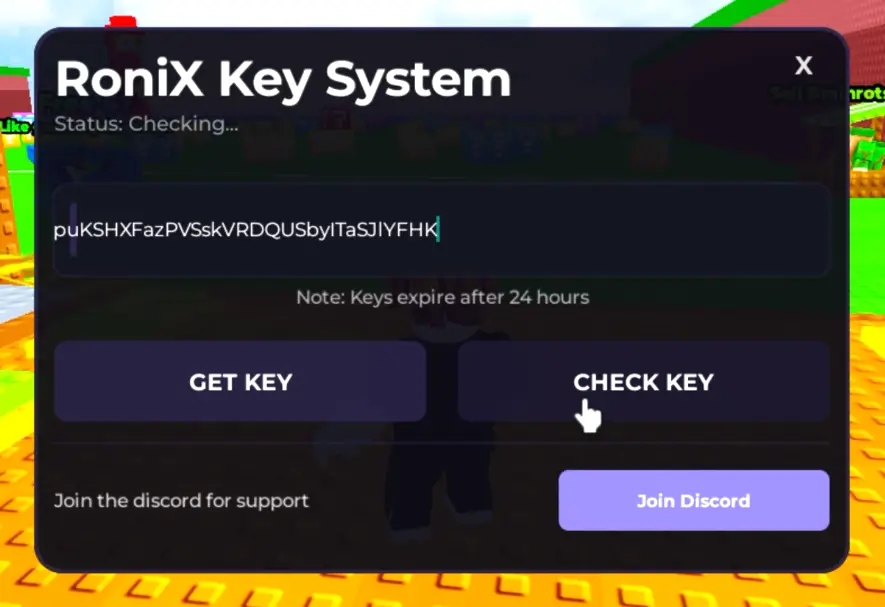
- Once copied, go back to Roblox and paste the Ronix key and tap on the Check Key button.
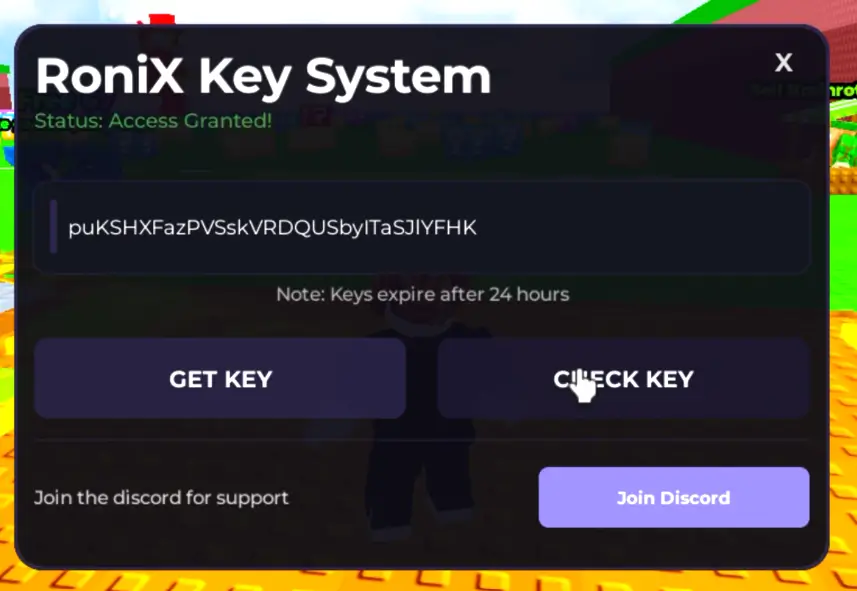
When you do so, you will get full access to the executor.
How To Get Ronix Executor Key on iPhone & iPad
To get the Ronix key on iOS devices, follow the steps written below:
- First, download and install Ronix IPA on your iOS device.
- Once installed, launch it.
- When you do so, a window will appear asking you to enter the key.
- If you already have a key, paste it and click on the Continue button.
- Those who have not obtained the key yet, click on the Receive Key button. The process is almost same as Android.
- Now, open a Safari browser on your Mobile.
- After that, tap and hold on the search bar and then select Paste and Go.
- When you do so, the Ronix iOS Keysystem window will appear.
- Now, tap on the Continue button.
- Unlike Android, you might be asked to complete a couple of tasks on Linkvertise to get the get on iOS.
- When you complete those tasks, you will get the key.
- After copying the key, go back to Roblox and paste the key, and then tap on the Continue button.
That’s all you need to know about how to get a Ronix Mobile key.
Leave a Reply